


IN 11 DAYS
Flights to Osaka
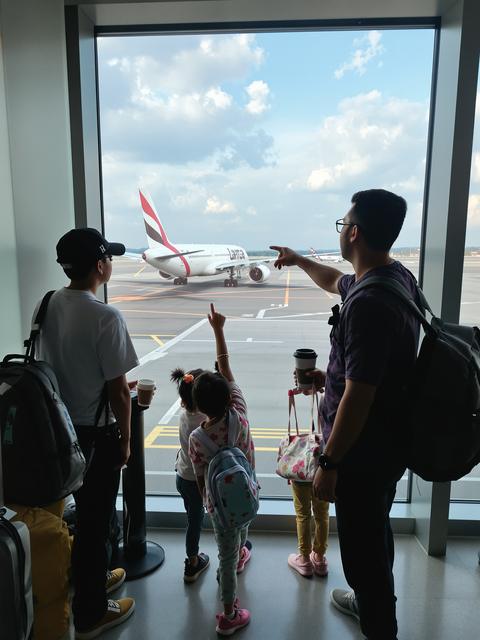
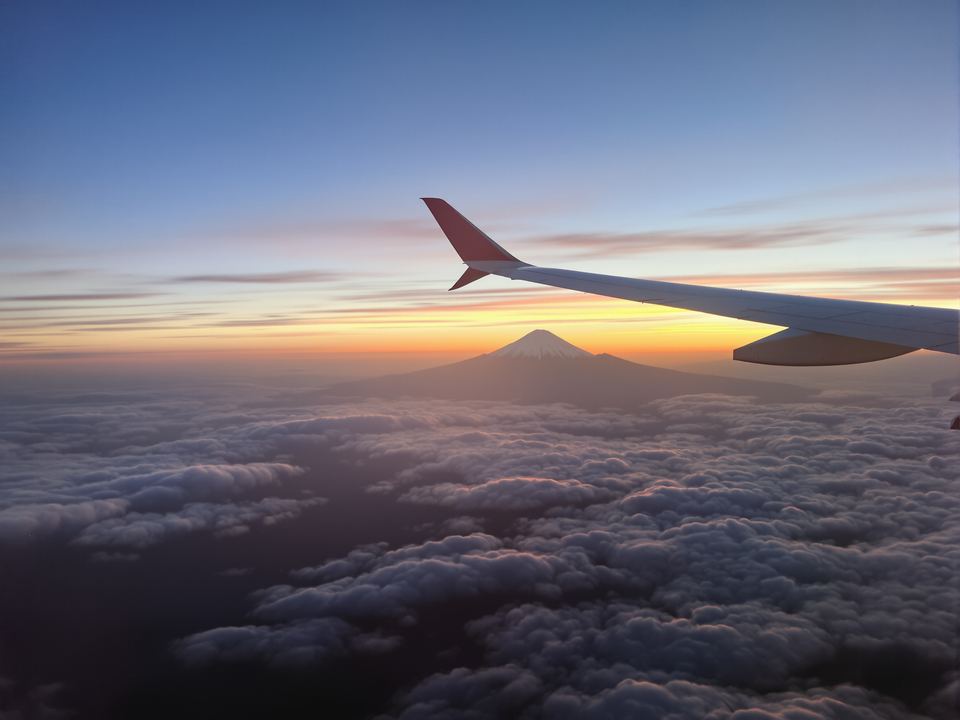
Window seat, row 23. Fuji should be on the left about an hour in.
Sat 17 Oct ’26 · 9:40am
ana.co.jp

ZYNG gives each of your groups — family, friends, the flat, the trip — a shared calendar, lists and a chat. Everyone sees the same plans.
Your Sunday football, a family trip, the whole house and the dog, the two of you, the team at work, a party someone mustn’t find out about. Each gets its own calendar, lists and chat.
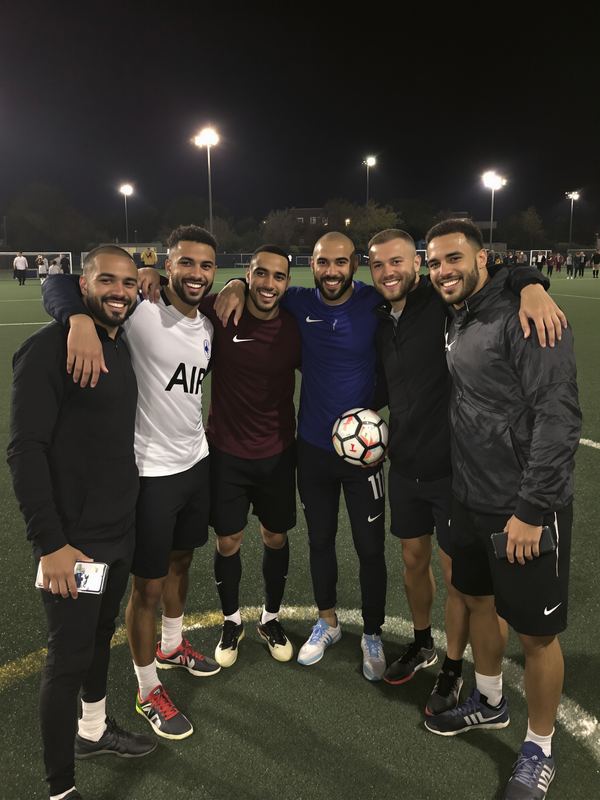
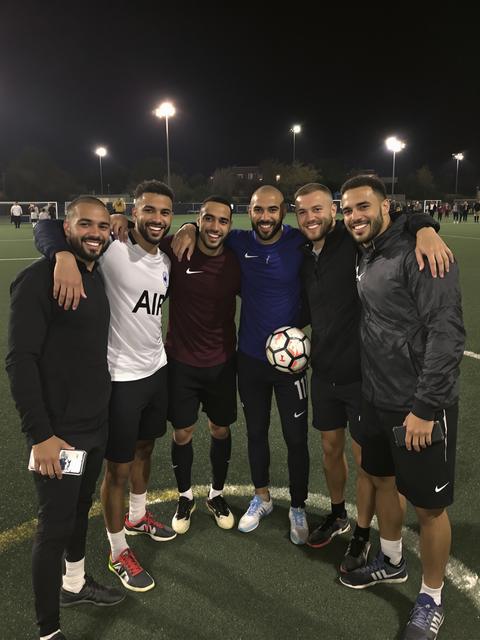
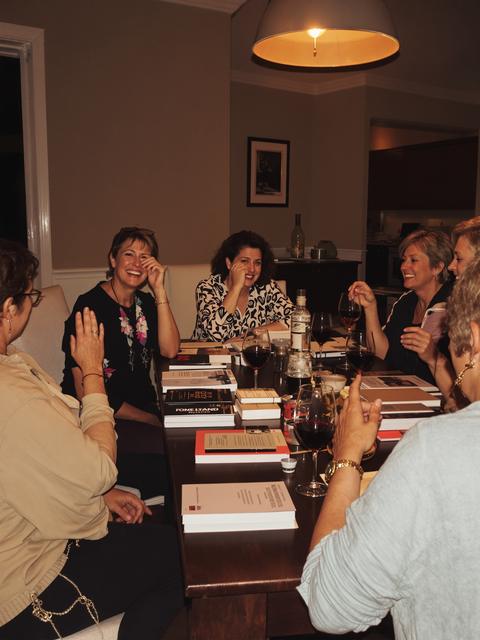
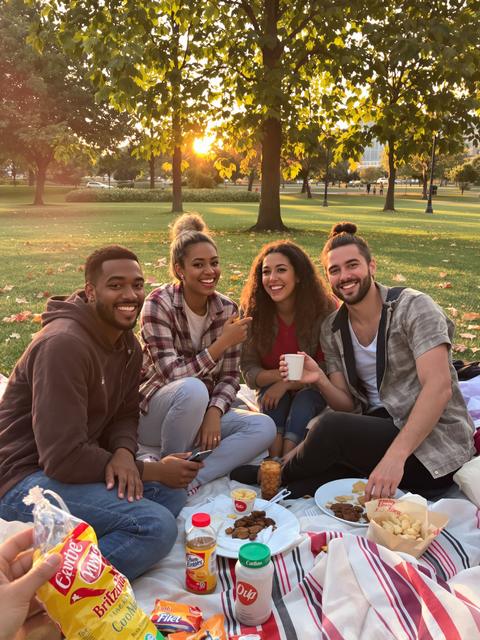
Six mates, one pitch
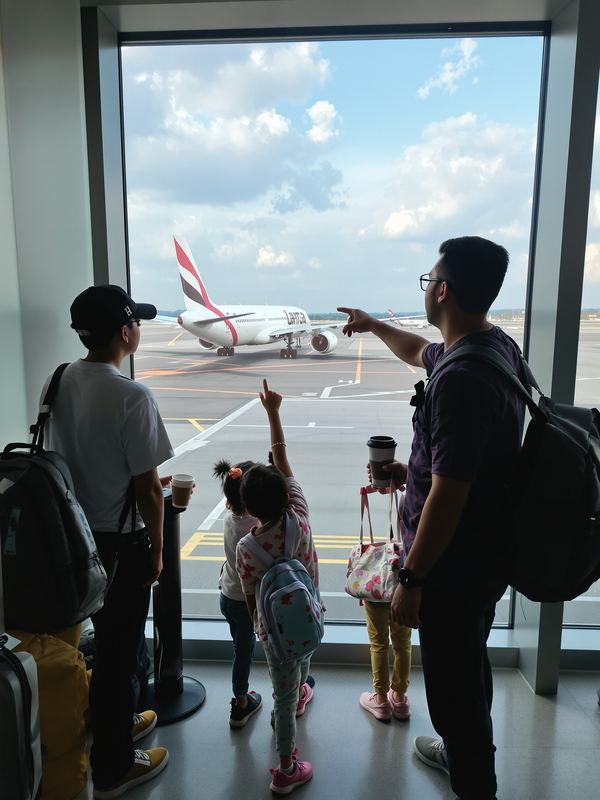
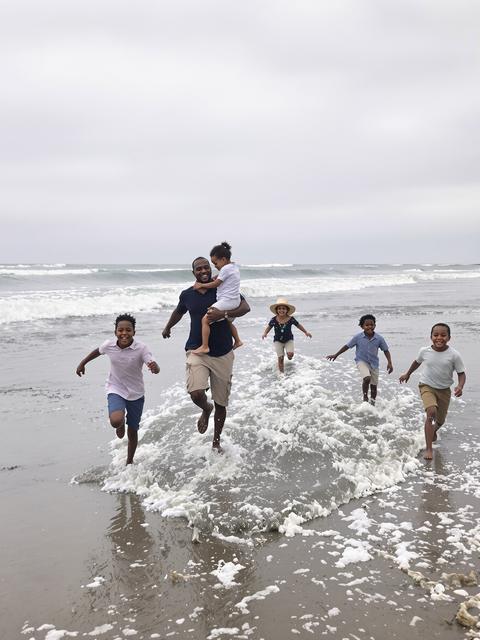
Mum, Dad and the kids
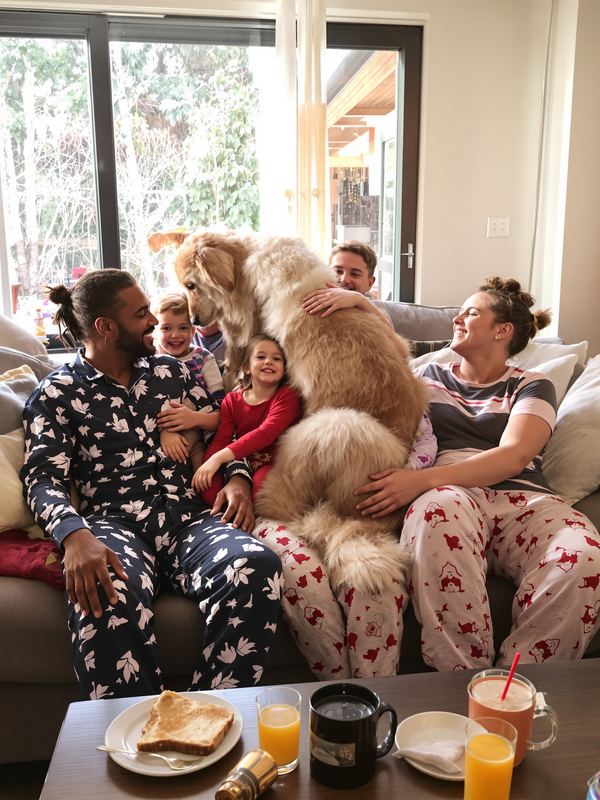
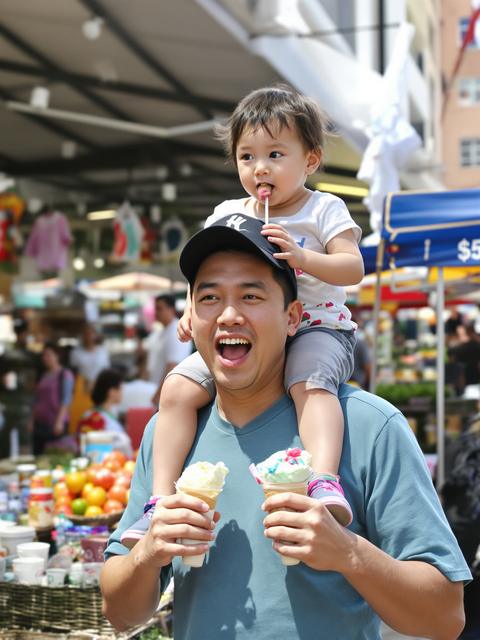
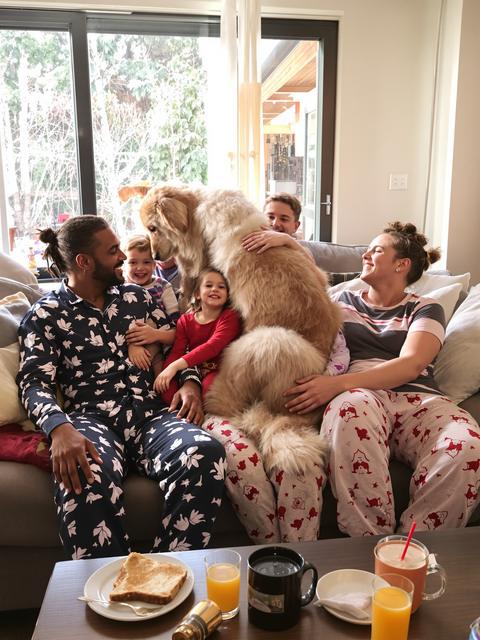
Mum, Dad, three kids and Biscuit the dog
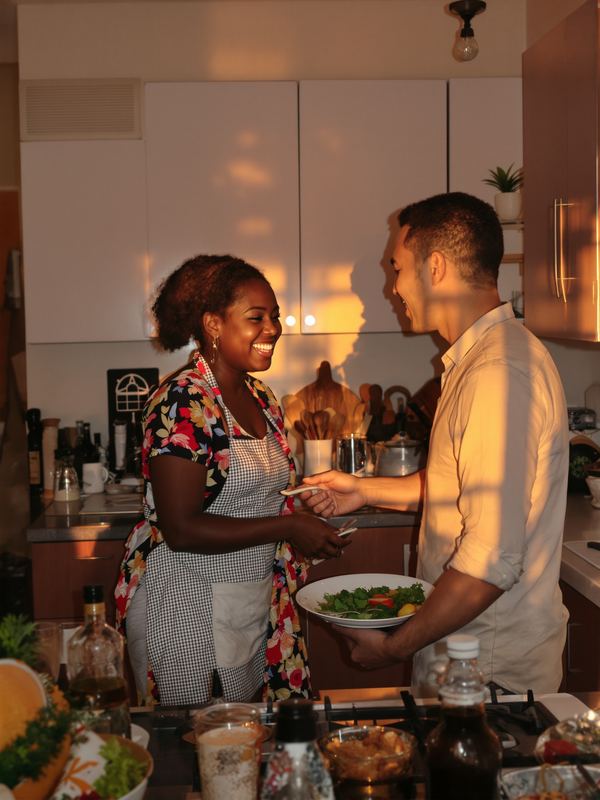
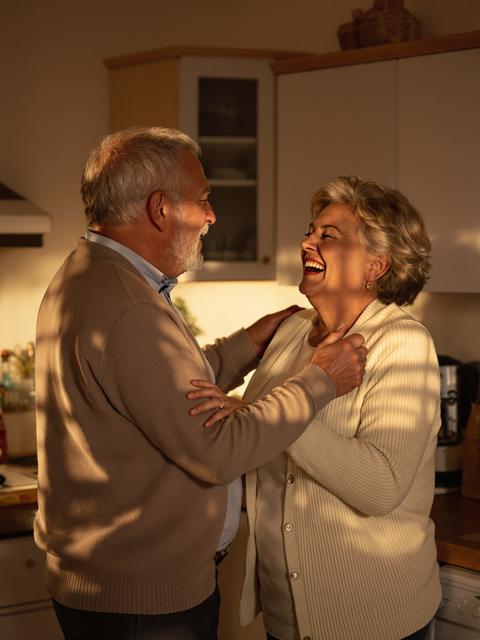
Husband and wife

Fifteen of us, one offsite
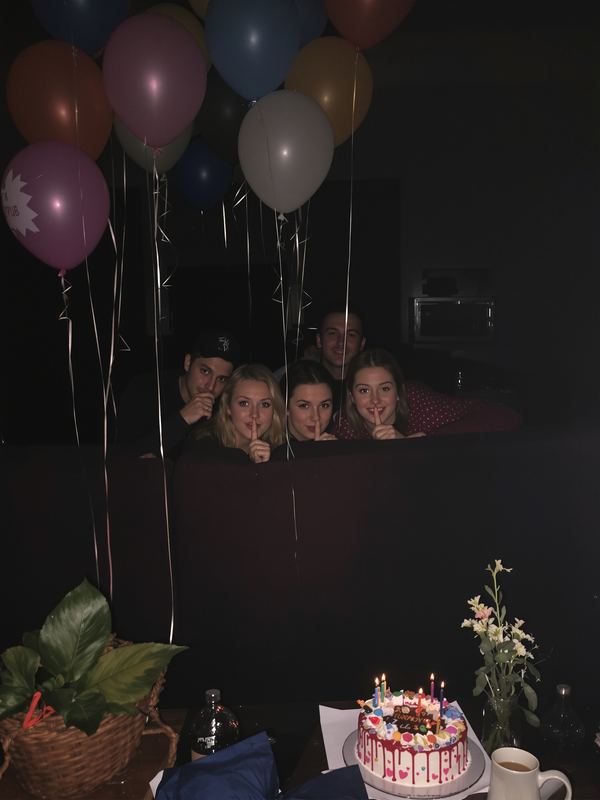
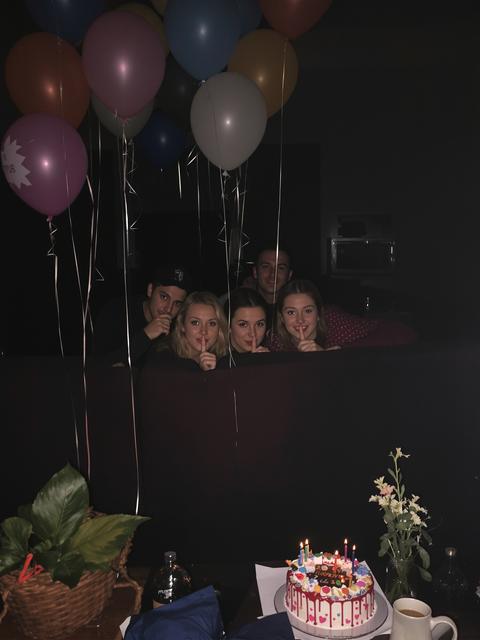
Everyone but Mia
Every group gets a shared calendar. Each plan carries the colour of the person who added it, and Home lays all your groups together, so your whole month is in one place.
 10
11
12
13
14
15
16
17
18
19
20
10
11
12
13
14
15
16
17
18
19
20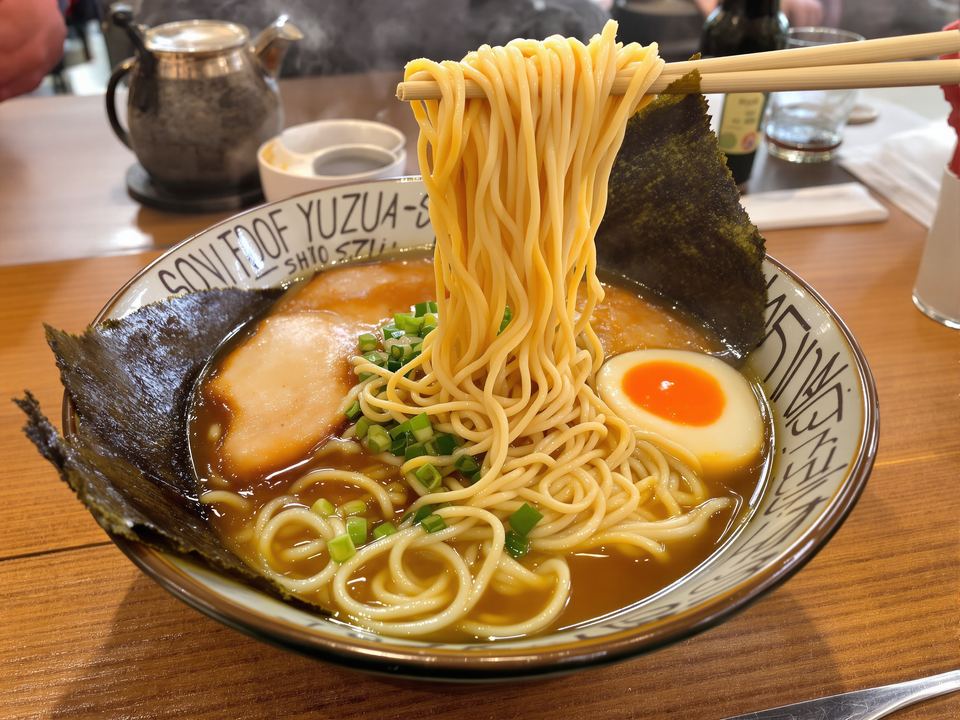 21
22
21
22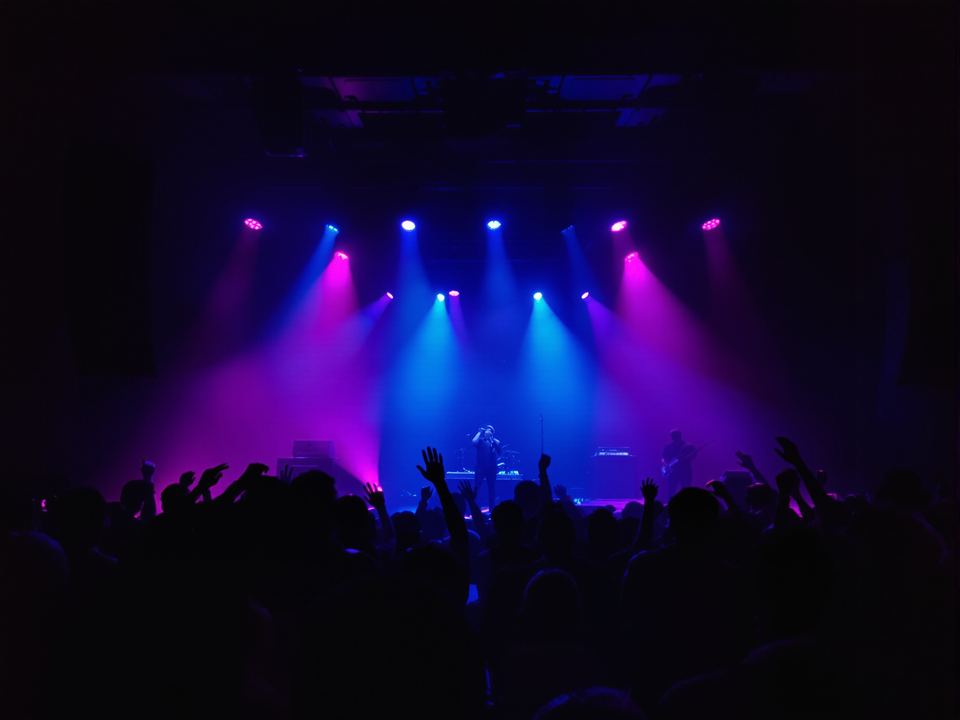 23
24
25
26
27
28
29
30
31
23
24
25
26
27
28
29
30
31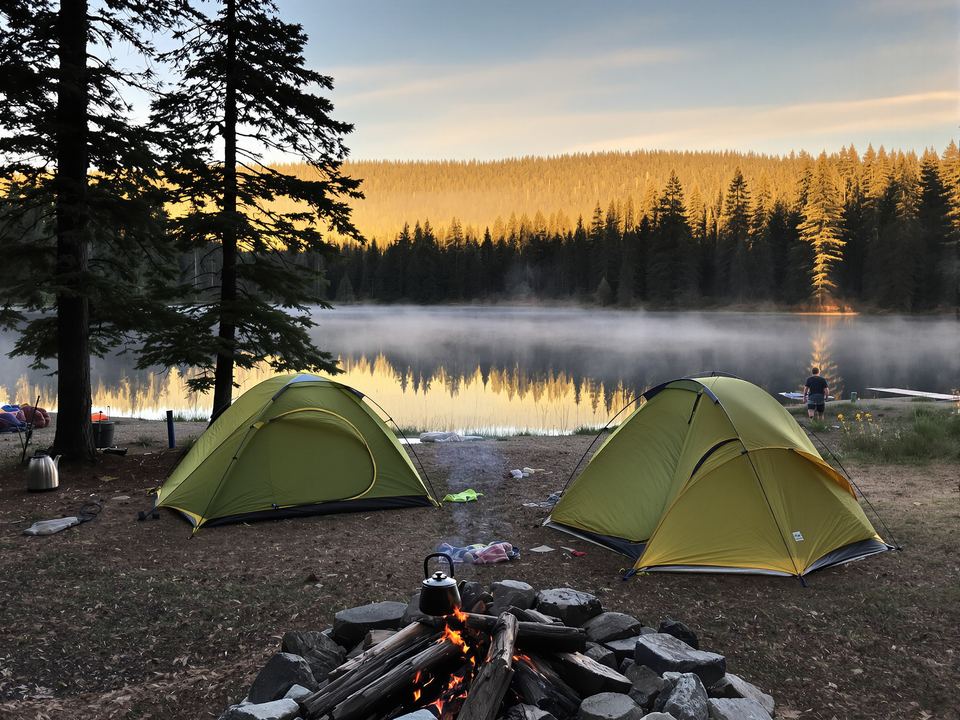
No more scrolling back through a group chat to find the date, the address or who said they’d bring what.
Name it after the people in it — the family, the flat, the Japan trip. It gets its own calendar, lists and chat.
Send it over WhatsApp, Messages or anything else. They tap it and they’re in, with nothing to set up first.
Dates go on the calendar, everything else on lists. Anyone can add, tick things off and talk about them.
Found a restaurant on Instagram, a gig on a website, a hotel in your email? Tap Share, then ZYNG. It reads the link, brings the photo and the details, and waits for you to pick the group and the day.
 ZYNG
ZYNGEach plan is a card in the colours of its own photo, with the day, the place and the link, for everyone in the group to see.
Window seat, row 23. Fuji should be on the left about an hour in.
Sat 17 Oct ’26 · 9:40am
ana.co.jp
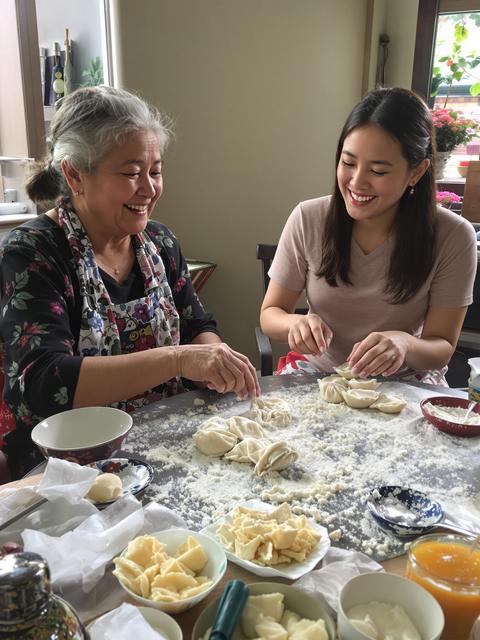
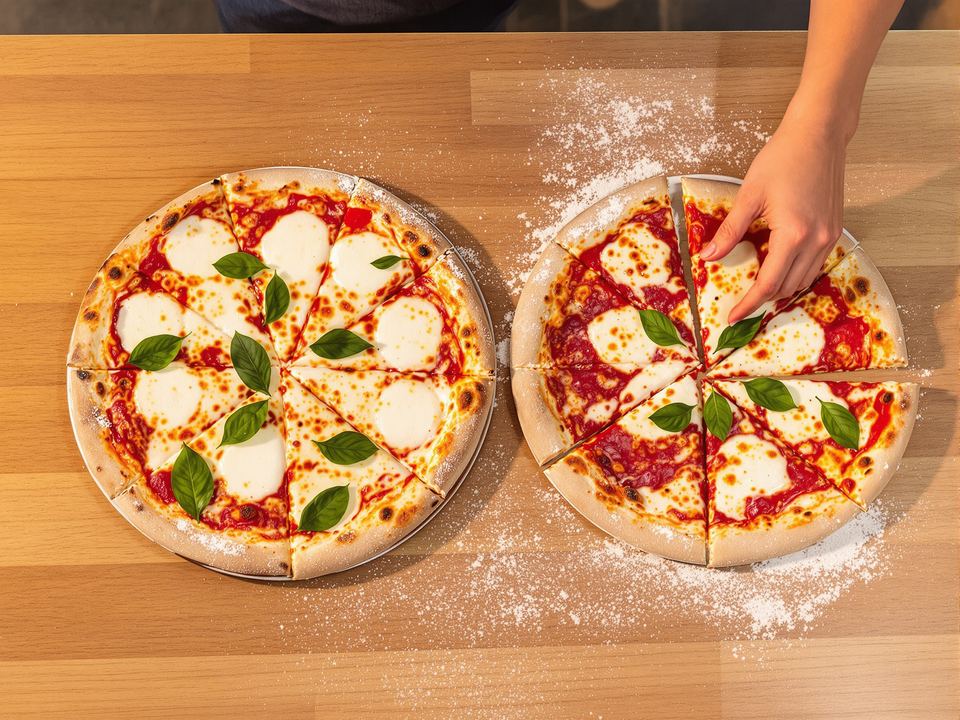
Bring the good olive oil. Dad’s doing the dough this time.
Fri 9 Oct ’26 · 7:00pm
Four tickets. Sal paid, settle up after.
Thu 22 Oct ’26 · 8:00pm
roundhouse.org.uk
Yuzu shio. Go before 11:30 or queue for an hour.
afuri.com
Two tents, one stove. Who’s bringing the kettle?
Sat 31 Oct ’26
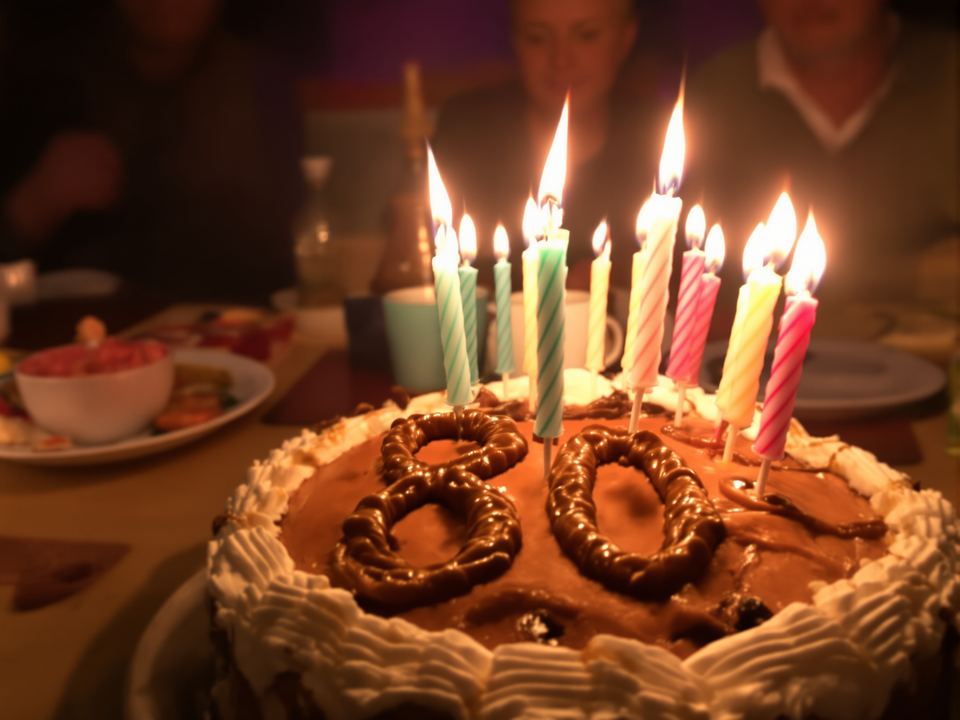
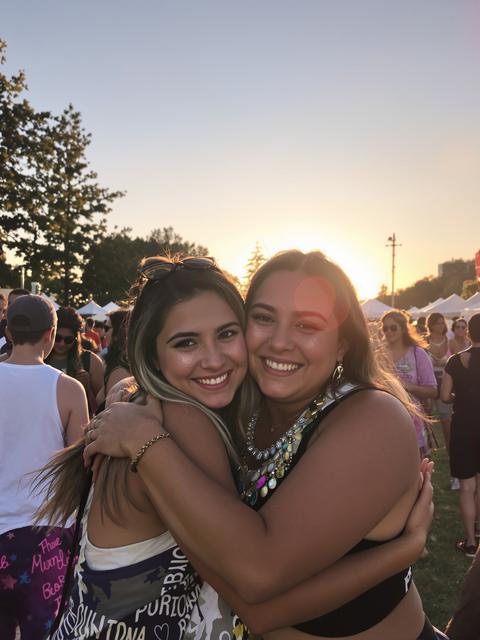
Surprise. Don’t tell her. Cake from the bakery on Elm Street.
Sun 8 Nov ’26 · 4:00pm
Packing, the shopping, the films to watch. Take something with one tap, paste a whole list at once, and see who ticked what.
Every message is attached to the thing it’s about, so the talk about the gig stays with the gig, and nothing gets buried in a group chat.